OctoCounts Launch Kit
OctoCounts is a GitHub SLOC counter and browser extension. It shows actual files, lines, code, comments, blanks, and language totals for public repositories without cloning.
Links
Web apphttps://octocounts.com/
Chrome extensionChrome Web Store
Edge extensionMicrosoft Edge Add-ons
Firefox add-onFirefox Add-ons
Short Copy
GitHub shows language percentages. OctoCounts shows actual source line counts: files, code, comments, blanks, and per-language totals. Use the web app, browser extension, README badge, GitHub Action, CLI, or MCP server.Launch Post
I built OctoCounts because GitHub's language bar is useful but incomplete.

It answers the practical question: how big is this repo, really?

- Browser extension: SLOC directly in GitHub's repo sidebar
- Web app: permanent public reports
- README badges: live SLOC badges that link to reports
- GitHub Action: PR comments for SLOC changes
- CLI and MCP: developer/agent workflows

Try it: https://octocounts.com/
Screenshot
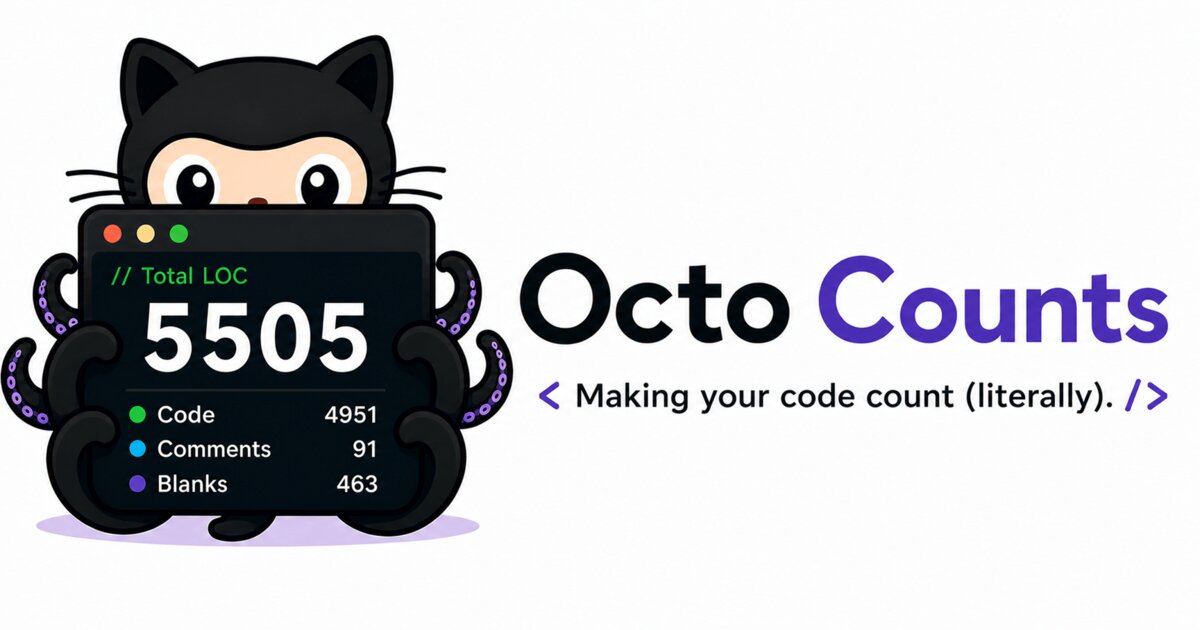
Badge Example
[](https://octocounts.com/github/huanglizhuo/OctoCounts)Directory Submission Kit
Copy for submitting to AlternativeTo, LibHunt, OpenAlternative, OpenSourceFest, Product Hunt, and similar tool/open-source directories.
Tagline (≤10 words)Free GitHub SLOC counter — real line counts, not percentages.
Short description (~60 words)OctoCounts is a free source lines of code (SLOC) counter for public GitHub repositories. It downloads the source archive for a pinned commit, counts it with tokei, and reports files, total lines, code, comments, blanks, and per-language totals — no cloning required. Available as a web app, browser extension, README badge, GitHub Action, CLI, and MCP server.
Long description (~300 words)OctoCounts is a free source lines of code (SLOC) counter for public GitHub repositories. GitHub's repository sidebar shows a language bar — a percentage breakdown by bytes — but never shows the numbers most developers actually want: how many files, how many total lines, how much of that is real code versus comments and blank space, broken down per language.
OctoCounts fills that gap. Paste a public GitHub URL, optionally pin a branch, tag, or commit, and it downloads the repository's source archive (never a full git clone with history), counts every file with tokei — a fast, Rust-based line counter — and returns a sortable, shareable report: files, total lines, code lines, comment lines, blank lines, and per-language totals, all pinned to an exact commit so the numbers are reproducible.
Reports are cached by commit SHA and tokei version, so re-analyzing the same commit is instant. Every report gets a permanent, shareable URL, can be exported as plain text, JSON, or a PNG card, and can be embedded as a live README badge that always reflects the current default branch, or pinned to a tag or commit for numbers that never change.
Beyond the web app, OctoCounts ships as a browser extension for Chrome, Edge, and Firefox that adds the same SLOC breakdown directly to GitHub's repository sidebar, a GitHub Action that comments SLOC changes on pull requests, a CLI (
OctoCounts only analyzes public repositories — no account, no GitHub token, and no source-code upload required. It's free with no premium tier, and the entire stack (Rust/Axum backend, React/TypeScript frontend) is open source under the MIT license.
OctoCounts fills that gap. Paste a public GitHub URL, optionally pin a branch, tag, or commit, and it downloads the repository's source archive (never a full git clone with history), counts every file with tokei — a fast, Rust-based line counter — and returns a sortable, shareable report: files, total lines, code lines, comment lines, blank lines, and per-language totals, all pinned to an exact commit so the numbers are reproducible.
Reports are cached by commit SHA and tokei version, so re-analyzing the same commit is instant. Every report gets a permanent, shareable URL, can be exported as plain text, JSON, or a PNG card, and can be embedded as a live README badge that always reflects the current default branch, or pinned to a tag or commit for numbers that never change.
Beyond the web app, OctoCounts ships as a browser extension for Chrome, Edge, and Firefox that adds the same SLOC breakdown directly to GitHub's repository sidebar, a GitHub Action that comments SLOC changes on pull requests, a CLI (
npx octocounts), and an MCP server that gives AI coding assistants like Claude and Cursor direct access to repository size data.
OctoCounts only analyzes public repositories — no account, no GitHub token, and no source-code upload required. It's free with no premium tier, and the entire stack (Rust/Axum backend, React/TypeScript frontend) is open source under the MIT license.
Category / tagsDeveloper Tools, GitHub, Code Quality, Open Source, CLI Tools, Productivity
PricingFree — open source, MIT license
Maker story (Product Hunt first comment / "why I built this")I kept wanting to know how big a repository actually was before depending on it, forking it, or spending an afternoon reading it — and GitHub's language bar never answered that; it shows percentages, not files or lines. Cloning a repo just to run tokei locally worked, but I was doing it often enough, especially for repos with a long git history, that it got old. So I built OctoCounts to skip the clone: paste a GitHub URL, get the real numbers.